

Ready to unlock your IT career potential? In today's digital landscape, mastering active directory training is essential for anyone aspiring to lead in enterprise network management by 2026.
Demand for skilled AD administrators is rising rapidly as organisations modernise and secure their infrastructures. Understanding Active Directory is crucial for managing identities, access, and security, especially in hybrid and cloud-integrated environments.
This guide delivers practical, hands-on steps to help you gain the active directory training needed to stand out. You will explore AD fundamentals, core components, configuration, security, automation, troubleshooting, and certification paths.
Take action now to gain a competitive edge and become an Active Directory expert ready to meet the challenges of tomorrow.
Understanding Active Directory: Foundations for 2026
Active Directory (AD) remains at the heart of enterprise IT, providing a robust framework for identity, access, and resource management. As organisations move towards hybrid and cloud models, mastering AD is essential for IT professionals seeking to stay ahead. Whether you are new to active directory training or expanding your expertise, understanding the foundations is the first step.
What is Active Directory?
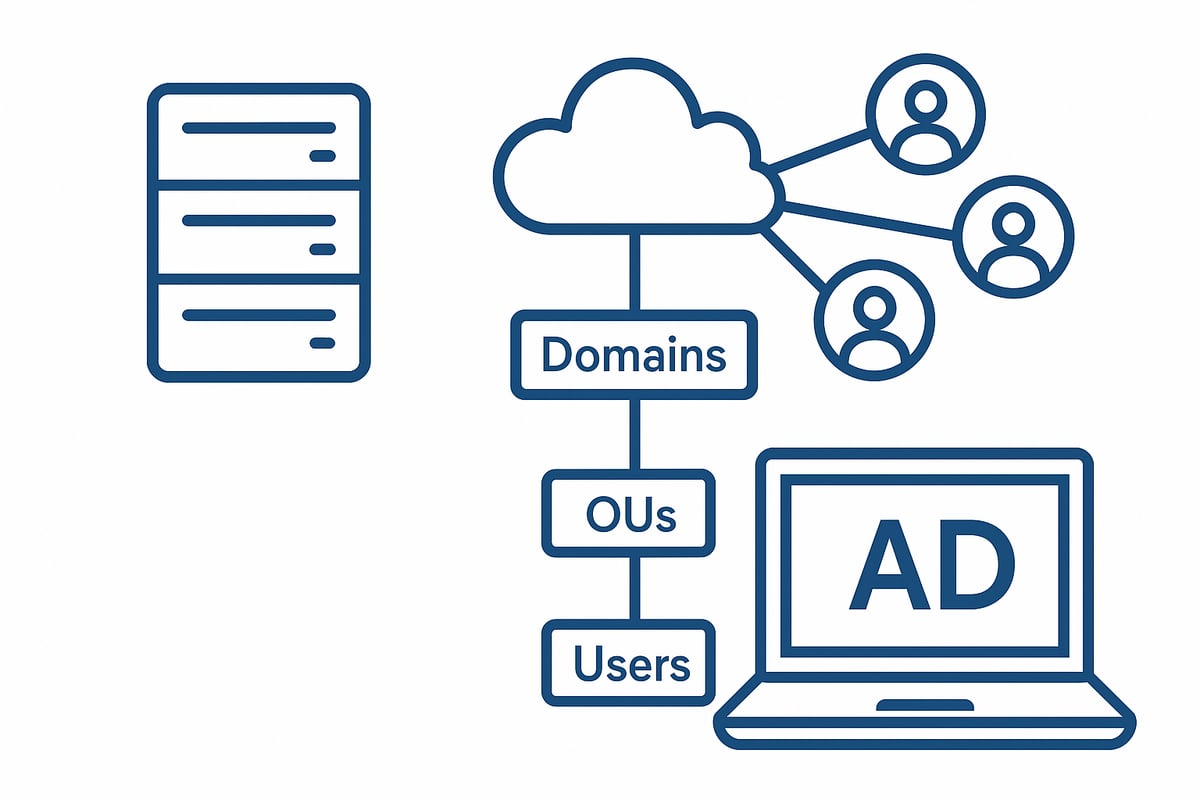
Active Directory is Microsoft’s centralised directory service, designed to manage users, devices, permissions, and resources across networks. Launched with Windows Server 2000, it has evolved to support complex, hybrid environments, including Azure AD integration. Today, 95% of Fortune 1000 companies rely on AD for secure identity management (Microsoft, 2023).
For example, a global enterprise may use AD to manage access for thousands of employees, ensuring only authorised users reach sensitive data. Its importance spans security, compliance, and productivity, making it a core skill in any active directory training path.
AD’s relevance now covers both on-premises and cloud scenarios. If you are seeking to build foundational skills, consider exploring All available IT courses to start your journey.
Core Components and Architecture
Active Directory structures information using a hierarchical model. Domains represent logical boundaries for users and resources. Trees and forests enable multi-domain, multi-organisation setups. Domain Controllers (DCs) authenticate users and replicate data across sites for redundancy.
Organisational Units (OUs) help delegate administration and apply policies. The schema defines object types and attributes, while the Global Catalogue enables searches across the forest. Flexible Single Master Operations (FSMO) roles handle unique AD tasks.
For instance, a company with offices in several regions may structure AD into a forest with multiple domains and OUs, streamlining management. Understanding these fundamentals is vital in any active directory training programme.
| Component | Function |
|---|---|
| Domain | Logical boundary for security and objects |
| OU | Delegation and policy application |
| DC | Authentication and data replication |
| Schema | Object/attribute definition |
| FSMO Roles | Specialised AD operations |
Key AD Services and Their Functions
Several core services power Active Directory environments. AD Domain Services (AD DS) provides user, group, and resource management. Group Policy enforces security and configuration across endpoints from a central location. Certificate Services (AD CS) issues digital certificates for secure communication, while Federation Services (AD FS) enables single sign-on across applications.
A practical example: using Group Policy, an administrator can enforce password complexity requirements for every department, reducing risk. These services form the backbone of active directory training, as mastering them is crucial for effective administration.
AD in the Modern Enterprise
Modern enterprises are embracing hybrid AD models, integrating on-premises AD with cloud solutions like Azure AD and Entra ID. This approach supports Zero Trust security, continuous verification, and flexible access for remote workforces.
According to Gartner (2023), 93% of organisations intend to maintain hybrid AD environments through 2026. Migrating legacy AD setups to hybrid models enhances scalability and resilience. Looking ahead, automation, AI-driven management, and evolving compliance standards will shape the next generation of active directory training.
By understanding these trends and core concepts, IT professionals can confidently navigate the changing landscape of identity and access management.
Step-by-Step: Building and Managing an Active Directory Environment
Building and managing a robust Active Directory environment is a cornerstone of effective IT operations. Success begins with careful planning, continues through precise setup, and relies on ongoing management and optimisation. This section provides a structured approach to help you master these essentials as part of your active directory training.
Prerequisites and Planning
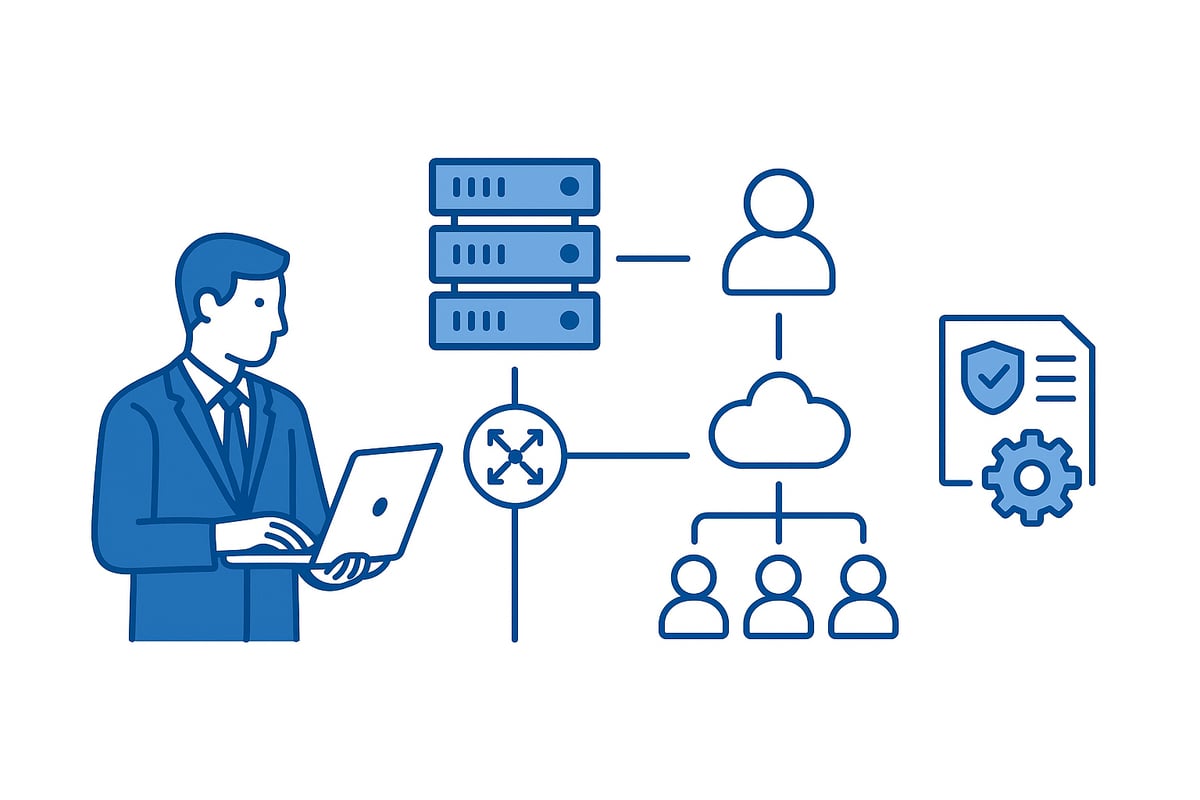
Before deploying Active Directory, comprehensive planning is critical. Start by assessing hardware and software requirements, ensuring your servers meet Windows Server 2022 or 2025 standards. Evaluate network readiness, including IP addressing and DNS configuration.
Map your organisational structure to guide domain and OU design. Choose clear naming conventions and plan the OU hierarchy for future scalability. Consider security and compliance needs from the outset.
A well-structured plan reduces long-term issues. In fact, 70% of AD problems originate from poor initial planning. For authoritative advice, consult IBM’s AD Setup Best Practices as part of your active directory training.
Installing and Configuring Domain Controllers
Next, install the Active Directory Domain Services (AD DS) role on your chosen Windows Server. Use Server Manager or PowerShell for installation. Promote the server to a Domain Controller, ensuring proper DNS integration.
For high availability, deploy at least two Domain Controllers per site. Define site topology to optimise replication and authentication performance. Follow security best practices, such as using dedicated hardware and limiting physical access.
During installation, document every step. This habit forms a strong foundation for active directory training and future troubleshooting.
Creating and Managing Users, Groups, and OUs
User and group creation can be done through the GUI or via PowerShell. For example, automate user onboarding with a script:
New-ADUser -Name "John Doe" -SamAccountName jdoe -AccountPassword (Read-Host -AsSecureString "Password")
Implement role-based access control (RBAC) using security groups. Delegate administration through OUs to streamline management. Avoid common pitfalls, like leaving orphaned accounts or allowing group sprawl.
Active directory training should emphasise automation and delegation for efficiency and security.
Implementing and Managing Group Policy Objects (GPOs)
Group Policy Objects are essential for enforcing security and configuration standards. Create GPOs, link them to OUs, and understand inheritance to avoid conflicts.
Use GPOs to deploy software, set password policies, and restrict desktop settings. Troubleshoot application failures with tools like gpresult and the Group Policy Management Console.
Rolling out security baselines via GPO is a best practice. Since 80% of enterprise security policies are enforced through GPOs, mastering them is central to active directory training.
Integrating AD with Other Services
Modern environments require integration with Azure AD, Microsoft 365, and third-party applications. Use Azure AD Connect to synchronise identities and enable hybrid functionality.
Configure Active Directory Federation Services (AD FS) for single sign-on across cloud resources. Carefully review security implications before integration.
Enabling hybrid identity supports remote workforces and improves scalability. Active directory training should include practical exercises in connecting on-premises AD to cloud services.
Routine Maintenance and Backups
Ongoing maintenance is non-negotiable for a healthy AD environment. Schedule regular health checks and monitor Domain Controller status using tools like dcdiag.
Back up the AD database and system state frequently. Test backups by restoring objects with the AD Recycle Bin. Upgrade forest and domain functional levels as needed.
Change management and documentation are vital for tracking modifications and ensuring compliance. Proper maintenance routines, a core part of active directory training, safeguard against data loss and downtime.
Securing Your Active Directory: Best Practices for 2026
Staying ahead of evolving threats is essential for any IT professional pursuing active directory training. As Active Directory remains a primary target for attackers, mastering modern security strategies is a non-negotiable skill. This section provides actionable best practices to secure your AD environment in 2026.

Common Threats and Vulnerabilities
Active directory training must start with an understanding of the most common threats. Attackers frequently use phishing, credential theft, and privilege escalation to compromise Domain Controllers. Notable incidents, such as the SolarWinds breach, have shown how quickly attackers can move laterally once inside AD.
Statistics reveal that 80% of ransomware attacks target AD, underscoring the need for proactive risk assessment. Hybrid environments introduce new vulnerabilities, as highlighted in Cayosoft’s 2025 AD Insights Report, which details critical risks in modern AD deployments.
To defend your environment:
- Continuously monitor for stale accounts
- Regularly review privileged group memberships
- Educate users on social engineering tactics
Understanding these risks is foundational to effective active directory training.
Hardening Domain Controllers and AD Infrastructure
A core focus of active directory training is hardening your Domain Controllers and infrastructure. Physical and logical security measures are vital. Restrict access to DCs, both physically and on the network, and use the least privilege principle for all service accounts.
Implement secure communications by enforcing LDAP over SSL/TLS. Adopt tiered administration models to separate high-level admin tasks from routine operations. Security baselines and templates help standardise protections across your organisation.
Key hardening steps include:
- Isolating Domain Controllers from regular user workstations
- Using dedicated admin accounts
- Regularly updating and patching DCs
With these strategies, your active directory training ensures resilience against modern threats.
Monitoring, Auditing, and Incident Response
Effective active directory training emphasises the importance of robust monitoring and auditing. Enable auditing for all critical changes within AD, such as user privilege modifications and GPO edits. Integration with SIEM solutions, like Microsoft Sentinel, enables real-time alerting and advanced threat detection.
Prompt incident response is crucial. Set up automated alerts for suspicious activities, such as unauthorised privilege escalation or mass account lockouts. Forrester reports a 60% faster breach detection rate in organisations with comprehensive AD monitoring.
Best practices include:
- Reviewing audit logs daily
- Testing incident response plans regularly
- Correlating AD events with other security data
These steps are essential for anyone seeking advanced active directory training.
Protecting Privileged Accounts
Securing privileged accounts is a critical part of active directory training. Implement Privileged Access Workstations (PAWs) and use Just-In-Time (JIT) and Just-Enough-Administration (JEA) models to limit exposure. Multi-factor authentication (MFA) for all admin accounts is mandatory.
Microsoft LAPS can automate local admin password management, reducing the risk of lateral movement. Regularly audit domain admin group membership and remove unnecessary accounts.
To further protect privileged identities:
- Require strong, unique passwords
- Rotate credentials frequently
- Minimise the number of privileged users
Building these controls into your active directory training reduces your attack surface.
Zero Trust and Modern Security Strategies
Modern active directory training incorporates Zero Trust principles. This approach assumes no user or device is trusted by default, enforcing continuous verification and least privilege access. Conditional Access policies help restrict resource access based on user risk and device compliance.
Identity protection tools, such as Azure AD Identity Protection, add layers of defence. Blocking legacy authentication protocols prevents common attacks like password spraying.
Key Zero Trust strategies:
- Enforce MFA for all users
- Continuously monitor authentication attempts
- Regularly review access policies
By embracing Zero Trust, your active directory training prepares you for future security challenges.
Compliance and Regulatory Considerations
Compliance is a vital aspect of active directory training, particularly for organisations subject to GDPR, HIPAA, or SOX. AD administrators must understand data retention, access controls, and audit requirements.
Implement data classification policies to manage sensitive information within AD. Use built-in and third-party tools to generate compliance reports and track changes.
To prepare for audits:
- Document all security controls and changes
- Maintain an up-to-date list of privileged accounts
- Regularly review access logs
A strong compliance posture is a key outcome of comprehensive active directory training.
Automating and Optimising Active Directory Administration
Modern IT environments demand efficient, secure, and consistent management of Active Directory. Automation is no longer optional—it is essential for scalability, compliance, and rapid response. With the right tools and strategies, IT teams can transform routine tasks, minimise errors, and focus on higher-value projects within their active directory training journey.
PowerShell for AD Management
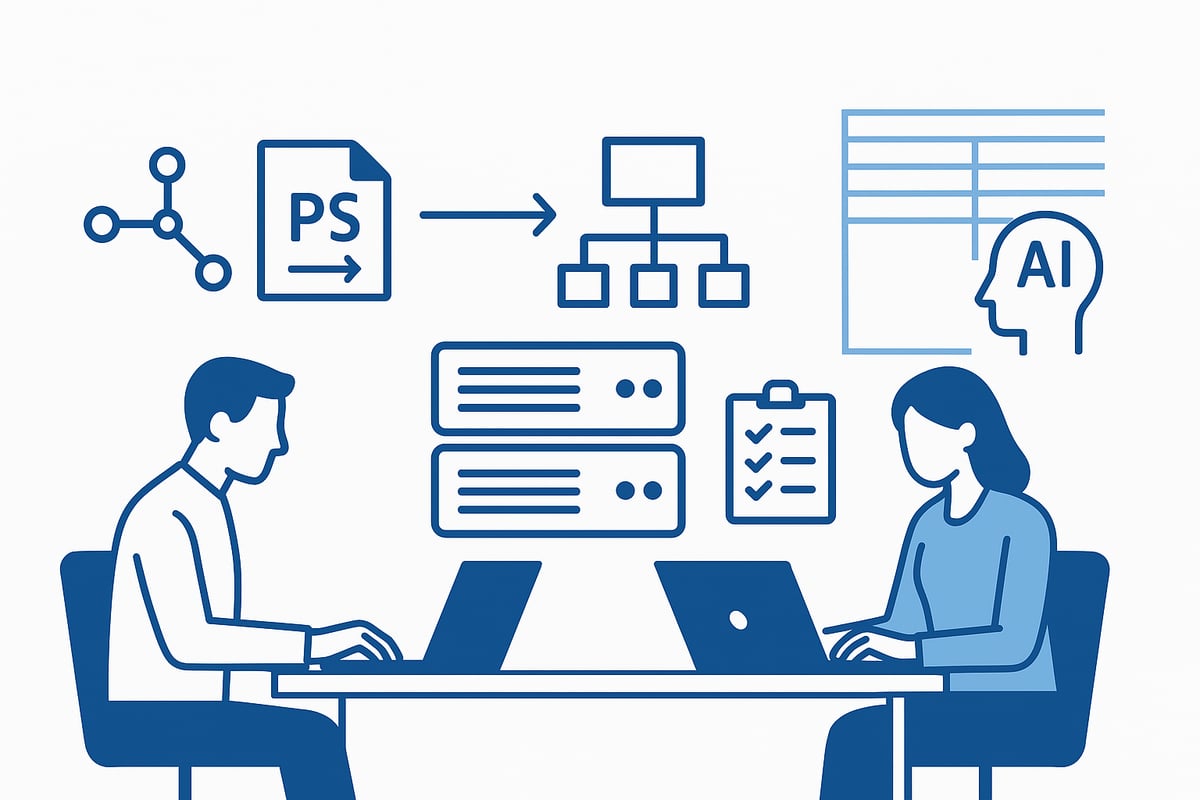
PowerShell is the backbone of modern Active Directory automation. With essential cmdlets like New-ADUser, Set-ADGroup, and Get-ADObject, administrators can streamline user provisioning, group management, and reporting.
For example, a script can automate onboarding by creating multiple user accounts from a CSV file, setting passwords, and adding users to specific groups. This not only saves time but ensures consistency across departments.
Import-Csv users.csv | ForEach-Object {
    New-ADUser -Name $_.Name -AccountPassword (ConvertTo-SecureString $_.Password -AsPlainText -Force) -Path $_.OU
}
Automating daily tasks is a core focus of active directory training, and it reduces repetitive work by up to 50% (Microsoft, 2023). For those seeking to deepen their automation skills, Online courses for IT professionals offer step-by-step labs and real-world scenarios.
Leveraging Group Policy Automation
Group Policy Objects (GPOs) are critical for securing and configuring Active Directory environments. Automating GPO deployment and updates ensures policies remain consistent and reduces the risk of configuration drift.
Advanced Group Policy Management (AGPM) allows for version control, approvals, and rollback of GPO changes. This is especially useful in large enterprises where multiple administrators may manage policies.
A practical example is rolling out security patches automatically using targeted GPOs, ensuring compliance without manual intervention. Mastery of GPO automation is often highlighted in active directory training because it is vital for maintaining enterprise standards.
Third-Party Tools and Solutions
Native tools are powerful, but third-party solutions can further optimise Active Directory administration. Popular tools like Quest and ManageEngine provide advanced automation, detailed reporting, and granular delegation capabilities.
Features often include workflow automation, compliance dashboards, and bulk operations. For example, using a third-party tool to delegate password reset rights to helpdesk staff without granting broader permissions.
When considering third-party tools, always evaluate security, compatibility, and support. These topics are thoroughly discussed in advanced active directory training modules, helping professionals make informed choices for their organisation.
Future Trends: AI and Machine Learning in AD
Artificial intelligence is reshaping how organisations manage and secure Active Directory. AI-driven tools can detect anomalies, predict potential threats, and automate incident response based on user behaviour analytics.
For instance, machine learning algorithms can identify suspicious account activity, such as unusual login times or locations, alerting IT teams before a breach occurs. Integration with platforms like Microsoft Copilot is introducing new possibilities for proactive management.
Staying current with these trends is crucial for anyone undertaking active directory training. The future will see AI-powered automation become an integral part of secure, efficient AD administration.
Troubleshooting and Advanced AD Scenarios
Active Directory environments can be complex, especially as organisations scale and adopt hybrid models. Effective troubleshooting and advanced skills are essential for IT pros who want to excel in active directory training and keep systems resilient.
Diagnosing Common AD Issues
Diagnosing issues is a core aspect of active directory training. Replication errors, DNS misconfigurations, and login failures are among the most common challenges. Built-in tools such as dcdiag, repadmin, and Event Viewer help pinpoint root causes quickly.
For example, slow logon times for remote users often trace back to DNS issues. According to Microsoft Learn, 60% of AD outages are DNS-related. Stay alert for replication failures or authentication errors, as these can signal deeper problems like stale accounts or compromised credentials. Recent findings in the Enzoic’s 2024 AD Password Auditor Report highlight the growing risks posed by weak passwords and outdated accounts. Regular monitoring and proactive diagnostics are key to maintaining a healthy AD environment.
Disaster Recovery and Business Continuity
A solid disaster recovery strategy is vital to any active directory training programme. System State backups, authoritative and non-authoritative restores, and planning for site or domain controller failures are all essential components.
Consider this scenario: an administrator accidentally deletes a critical OU. With AD Recycle Bin enabled and regular backups, recovery is straightforward. Test your recovery procedures regularly to ensure they work as expected.
Key steps include:
- Scheduling regular AD database backups
- Documenting recovery processes
- Minimising downtime through practice and automation
By mastering these skills, IT professionals can guarantee business continuity even during unexpected incidents.
Migrating and Upgrading Active Directory
Migration and upgrade scenarios are increasingly common topics in active directory training. Moving from older Windows Server versions to Windows Server 2022 or 2025, or merging forests after a merger, involves careful planning and execution.
Begin with a thorough assessment of your current environment. Use migration tools and follow best practices to avoid data loss. Upgrading domain and forest functional levels should be performed in a controlled manner, with rollbacks prepared.
Did you know that 40% of organisations plan to upgrade AD by 2026, according to Gartner? For more advanced scenarios, instructor-led learning such as Instructor-led IT training courses can provide invaluable hands-on experience and guidance for complex migrations.
Hybrid and Cloud-Integrated AD Challenges
The shift to hybrid and cloud-integrated environments introduces new challenges, making this a critical area within active directory training. Synchronising on-premises AD with Azure AD using Azure AD Connect requires careful configuration to prevent sync errors.
Managing identities across hybrid setups demands robust security practices. For example, if user attributes are mismatched, synchronisation issues can disrupt cloud access. Always monitor synchronisation health and address any alerts promptly.
Security considerations should include conditional access policies and limiting legacy authentication. Preparing for cloud-first AD deployments ensures your organisation stays agile and secure in the evolving IT landscape.
Active Directory Certifications and Career Pathways
Kickstarting your journey with active directory training can unlock a variety of rewarding career opportunities in IT. As organisations increasingly rely on robust identity and access management, mastering these skills is a direct path to advancement. Whether you are new to the field or looking to elevate your expertise, knowing the right certifications, skills, and resources is essential for success.
Key AD Certifications for 2026
Choosing the right certifications is a crucial step in your active directory training journey. The Microsoft Certified: Windows Server Hybrid Administrator Associate and Microsoft Certified: Identity and Access Administrator Associate are top options for 2026. These focus on hybrid environments, security, and modern identity management.
Exams typically cover areas such as deploying and managing Active Directory Domain Services, integrating with Azure AD, and implementing security controls. Prerequisites often include some hands-on experience, but Microsoft provides clear guidance for each exam path.
Mapping certifications to roles is straightforward. For example, the Hybrid Administrator certification aligns with AD administrator and security engineer positions. Remember to keep your certification current, as Microsoft requires periodic renewal and encourages ongoing professional development.
Building a Career in Active Directory Administration
An investment in active directory training can pave the way for a dynamic IT career. Core skills include scripting, security, cloud integration, and troubleshooting. These abilities are highly sought after as organisations expand their hybrid and cloud-based infrastructures.
Common job roles include AD administrator, IAM (Identity and Access Management) engineer, and security analyst. Many professionals begin on the helpdesk or in junior IT roles, progressing to senior AD architect positions with experience and continued learning.
Salary prospects are strong. In the UK, AD administrators can expect to earn between £40,000 and £70,000 or more, according to Reed (2024). Employers increasingly value expertise in automation and hybrid AD management, making up-to-date training a real differentiator in the job market.
Training Resources and Learning Paths
A wide range of platforms support active directory training, from Microsoft Learn and LinkedIn Learning to instructor-led courses and official documentation. These resources offer flexible options, whether you prefer self-paced study or guided instruction.
For foundational knowledge, the Microsoft Office and IT skills course topic page provides an excellent starting point. Microsoft’s 5-module AD DS learning path (4 hr 45 min) is a popular choice for those seeking structured, hands-on experience.
Participating in user groups, community forums, and Q&A platforms can enhance your learning. Hands-on labs and practice environments are invaluable for building real-world skills and confidence before tackling certification exams.
Staying Current: Trends and Professional Development
Remaining up to date is essential as active directory training and technology evolve rapidly. Track updates through Microsoft Ignite, Tech Community, and official blogs to stay informed about new features and best practices.
Continuous learning is vital in this field. Adapting to changes in security protocols, cloud integration, and emerging threats will keep your skills relevant. Networking with peers, attending AD conferences, and engaging in professional communities help you stay ahead.
Preparing for future roles in identity and access management requires both technical expertise and a commitment to ongoing professional development. Embrace lifelong learning to ensure your career remains resilient and future-proof.

